
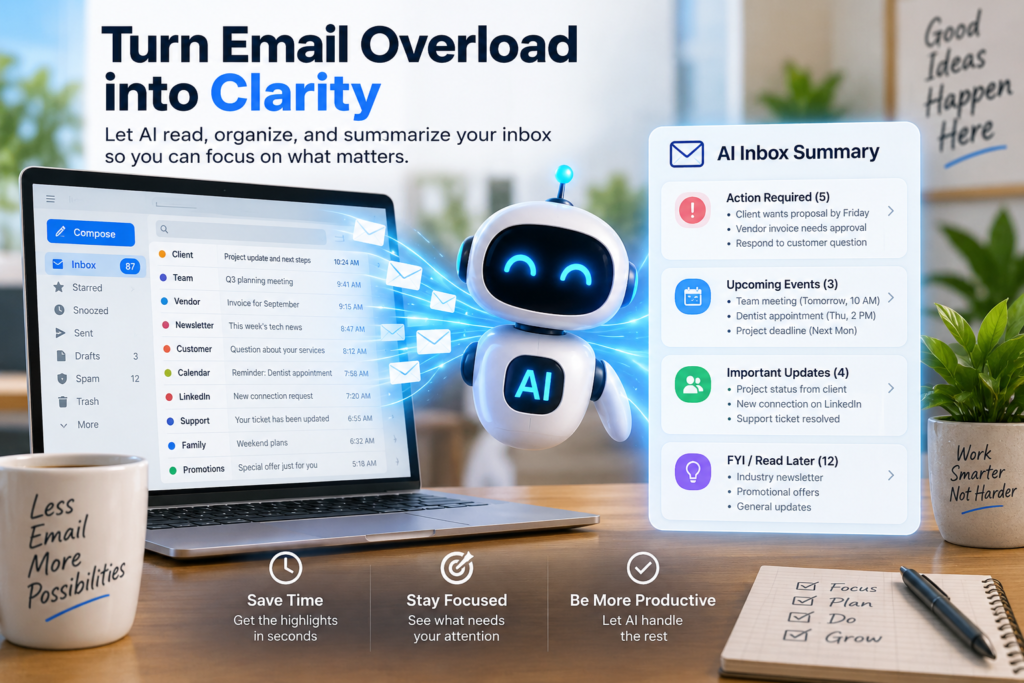
A Simple Guide to Using AI to Summarize Your Email Inbox
Email can quickly become overwhelming, especially when your inbox fills up with newsletters, project updates, meeting invitations, customer questions, and internal messages. Instead of opening every message one by one, AI tools can help you scan the important points, identify urgent requests, and create a clear daily overview.
AI email summaries are not meant to replace reading important messages carefully. Rather, they help you decide where to focus first. With the right workflow, you can spend less time sorting through clutter and more time responding to the emails that actually need your attention.
Why AI Email Summaries Can Save You Time
AI can turn a crowded inbox into a short, readable briefing. Instead of seeing dozens of subject lines and preview snippets, you can ask an AI assistant to group messages by topic, sender, urgency, or required action. For example, it might tell you that three clients are waiting for replies, a team member has shared a project update, and two newsletters can be ignored until later.
This is especially useful when you return from vacation, finish a long meeting, or start the day with a full inbox. Rather than spending the first hour manually sorting emails, you can review an AI-generated summary in a few minutes. A good summary should highlight deadlines, questions, decisions, attachments, and tasks that need a response.
AI can also reduce the mental fatigue that comes from switching constantly between messages. When an assistant pulls out the key details, you do not have to search through long email threads to find the latest update. However, always review the original email before making important decisions, sharing sensitive information, or sending a final reply.
How to Set Up an AI Inbox Summary Workflow
Start by choosing an email provider or AI tool that works with your existing inbox. Some email platforms include built-in AI features, while other services connect to your account through approved integrations. Before granting access, check the tool’s privacy policy, security settings, and permissions. If you work with confidential client, financial, medical, or company information, make sure your organization allows the tool to be used.
Next, create a simple prompt or rule for your summaries. You might ask the AI to provide a morning digest with three sections: urgent emails, messages requiring a response, and items to read later. You can also request details such as sender names, deadlines, next steps, and a one-sentence summary of each thread. A useful prompt could be: “Summarize unread emails from the last 24 hours, flag anything urgent, and list any actions I need to take.”
Finally, build the summary into your daily routine. Review it at a consistent time, such as the beginning of the workday and again before you finish. Use the summary to prioritize replies, turn requests into tasks, archive low-value messages, and schedule time for longer reading. Over time, adjust the categories and prompts so the AI summary matches the way you work.
AI email summaries can make your inbox feel more manageable without requiring a complicated system. By using AI to identify priorities, extract action items, and organize messages into clear categories, you can spend less time sorting email and more time getting meaningful work done.
The best approach is to start small: try a daily summary, review the results carefully, and refine your workflow as you go. With sensible privacy practices and a habit of checking important original messages, AI can become a practical assistant for keeping your inbox under control.